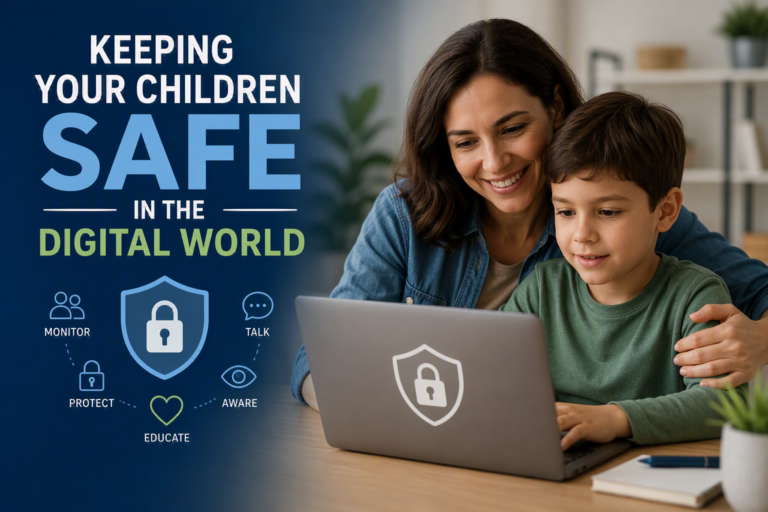
Tips for keeping your children safe in the digital world





You don’t need technical expertise to support your child online. Small, consistent actions at home can shape how they use the internet and respond to challenges. For example, checking in regularly about what apps they enjoy or who they talk to helps you stay involved without feeling intrusive. This approach gives your child reassurance that they can come to you if something feels off, while you gain a clearer picture of their digital world.
Start with open conversations and clear family rules
Create a space where your child feels comfortable talking about their online experiences. When you listen without overreacting, they are more likely to share concerns, whether it’s a message that made them uncomfortable or something they saw while gaming.
Set simple family rules together so expectations feel fair and understood. For instance, agreeing on screen-free times during meals or before bed can improve sleep and reduce overstimulation. When children take part in setting these boundaries, they are more likely to follow them because they understand the reasons behind them.
Teach kids about privacy, sharing and digital footprints
Help your child understand that what they post online can stay there long after they forget about it. A photo shared with friends today could resurface later in ways they did not expect. When you explain this with real examples, such as how screenshots can be saved or shared, the idea becomes easier to grasp.
Encourage them to pause before posting or sharing personal details. This habit builds awareness and reduces the risk of oversharing information like their location, school or contact details. Over time, your child develops a more thoughtful approach to how they present themselves online.
Use parental controls and security tools at home
Set up parental controls across devices to manage what your child can access. These tools allow you to filter content, limit screen time and monitor usage without constantly checking in.
Strong passwords and privacy settings also play an important role. When you take the time to secure accounts together, you show your child how to protect their information in a practical way. This not only reduces immediate risks but also teaches habits they will carry into adulthood.
Stay informed about online risks and emerging platforms
Keep up to date with the apps, games and platforms your child uses so you can respond quickly if something changes. New features or trends can introduce risks such as cyberbullying or unwanted contact and staying informed helps you guide your child through these situations.
Some tools, like the Tor browser, can make online activity more private, which can be useful in certain contexts but also harder to monitor. When you understand how these platforms work, you can have honest conversations about safe use and set clear expectations that support your child’s safety without removing their sense of independence.
About Author